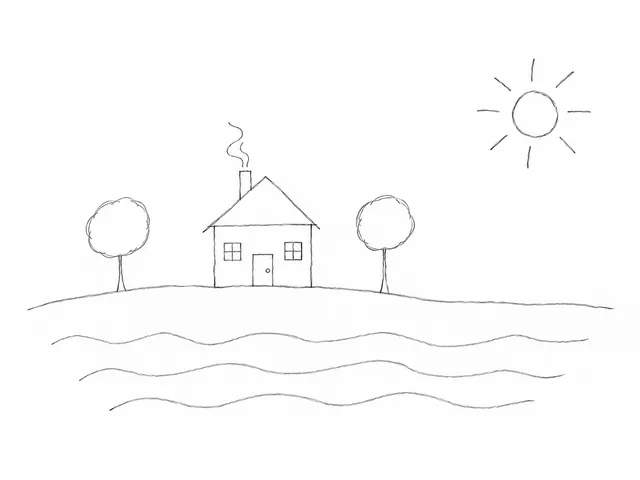

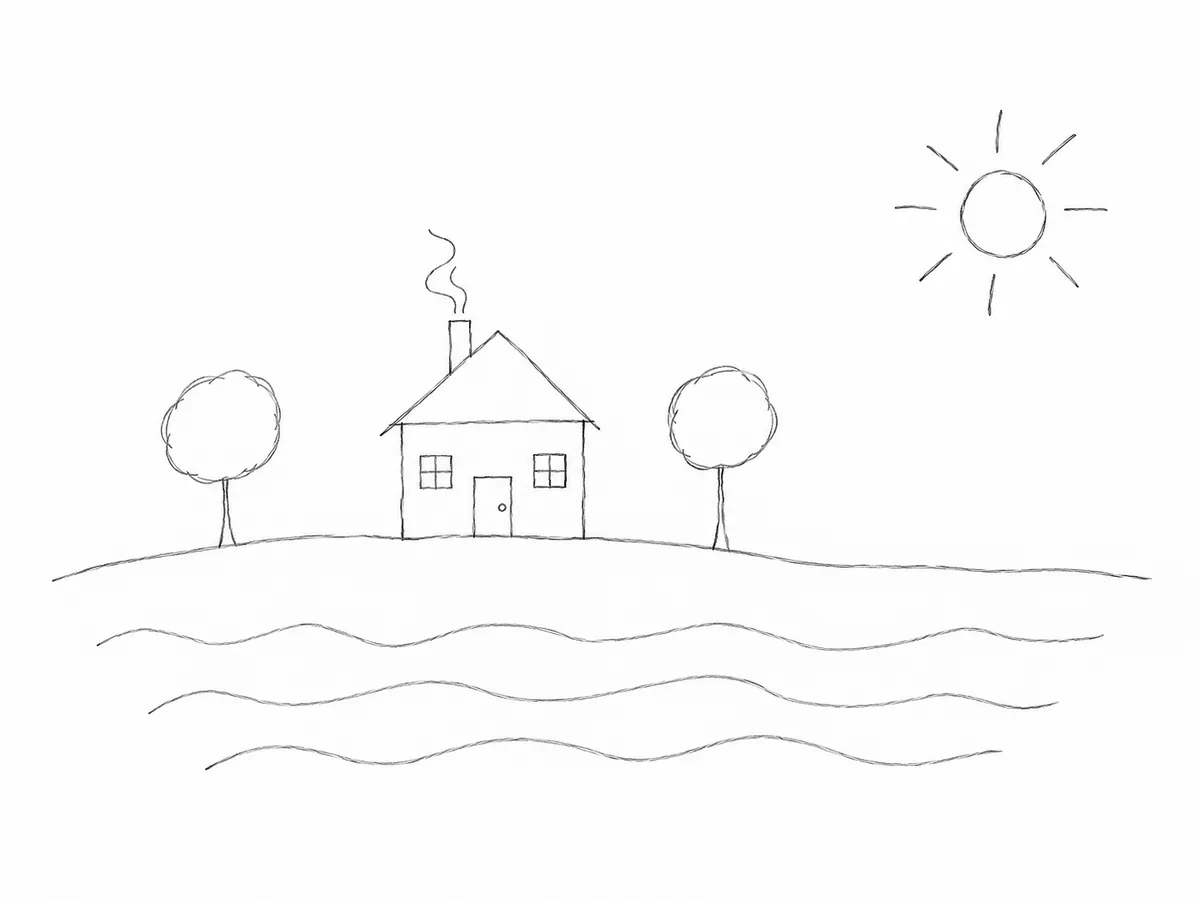
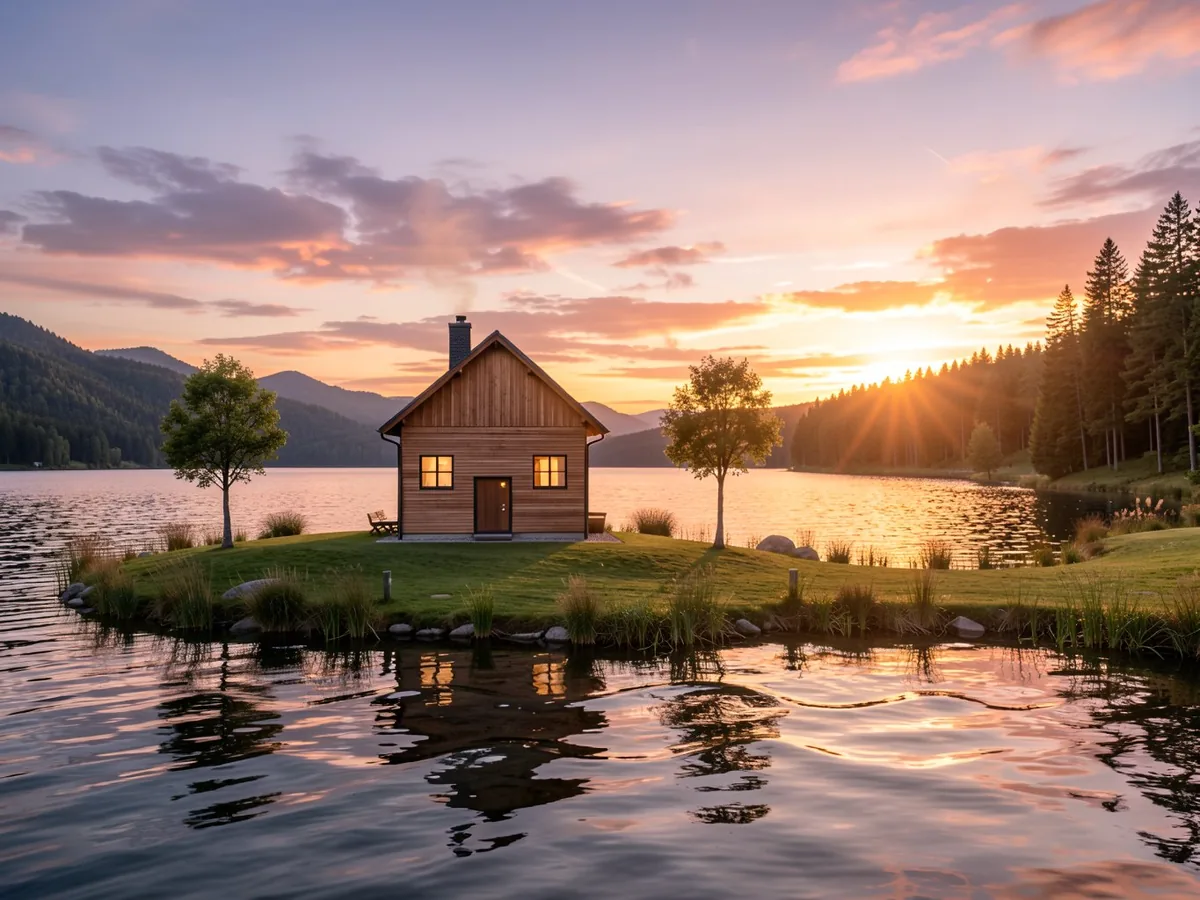
House → realistic photo
Prompt: A modern wooden house by a lake at sunset, realistic photo
Model: Flux 2 Klein 9B

Upload a sketch, a doodle or a photo of a drawing on paper, describe what it shows and AI turns it into a realistic image or polished digital art – while keeping your composition.
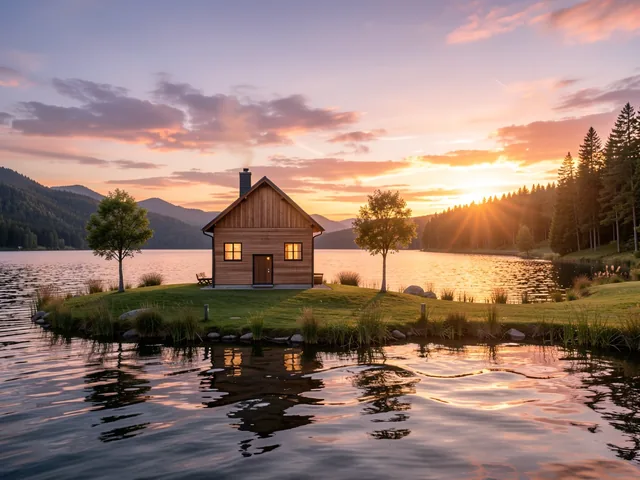 SketchResult · Flux 2 Klein 9B
“A modern wooden house by a lake at sunset, realistic photo”
You don't need to be an artist. Draw a rough sketch – on paper, a tablet or even with your finger – and the AI uses it as a blueprint. The drawing tells the AI where things go; your prompt tells it what they are and how they should look. In seconds, you get a finished image that keeps your composition: a realistic photo, a detailed illustration or digital art.
“It's like sketching for thirty seconds and handing it off to an amazingly talented computer artist.”
 SketchResult
A drawing file or a photo of a sketch on paper.
Write a short prompt with the subject and style, e.g. "a golden retriever in a park, realistic photo".
Compare the sketch and the result, try another model or generate again, then download your image.
Every example is a real result of the tool: the sketch, the prompt it ran with and the image it made. Load one into the form and generate it yourself.
Prompt: A modern wooden house by a lake at sunset, realistic photo
Model: Flux 2 Klein 9B
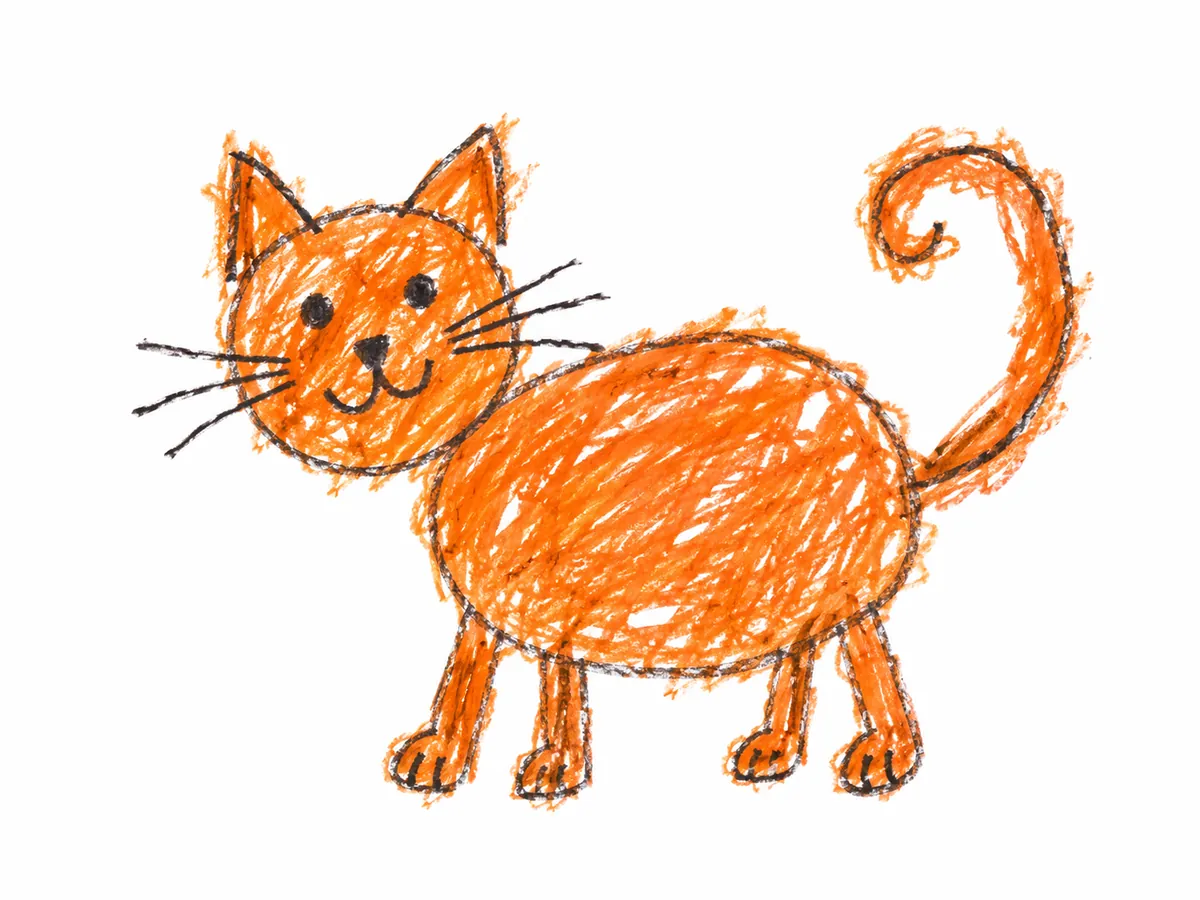
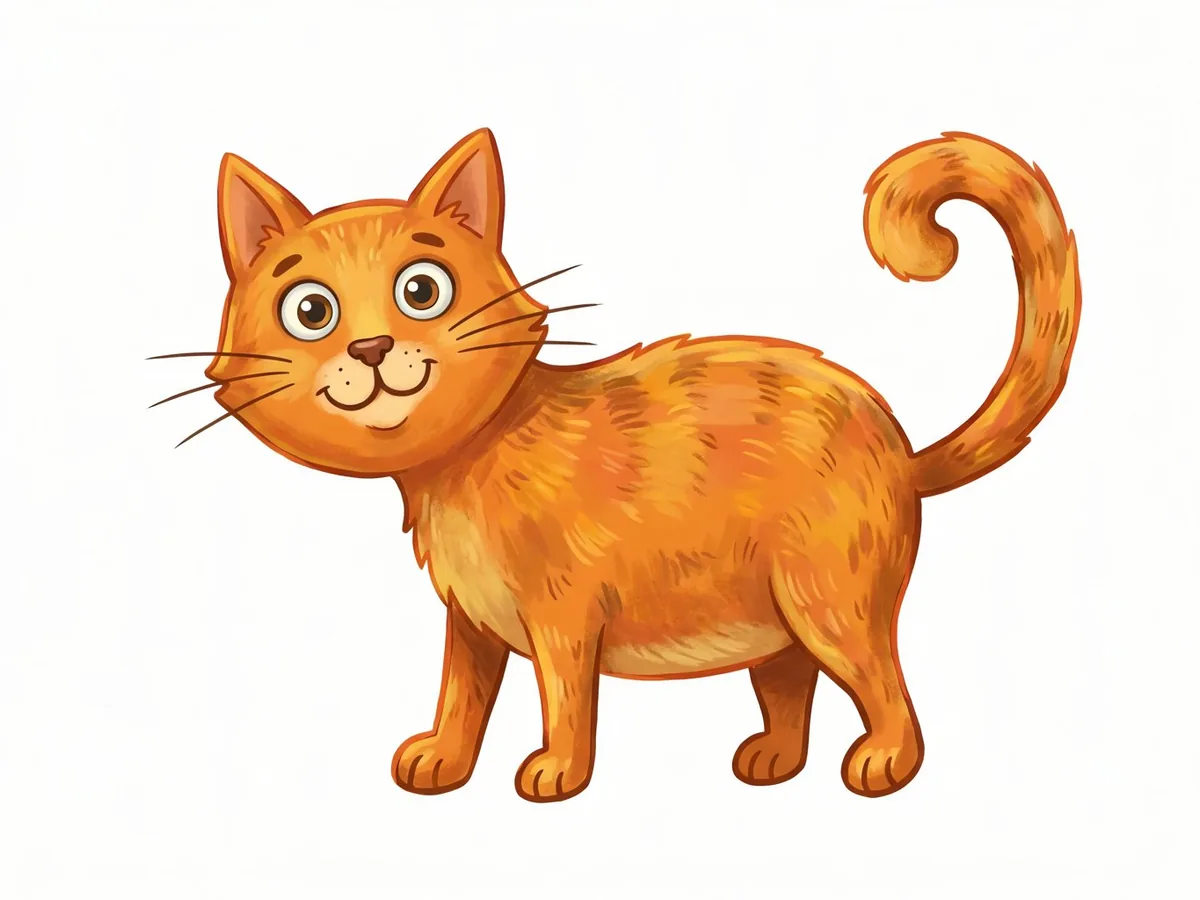
Prompt: A friendly cartoon cat with big eyes, colorful children's book illustration
Model: Nano Banana PRO
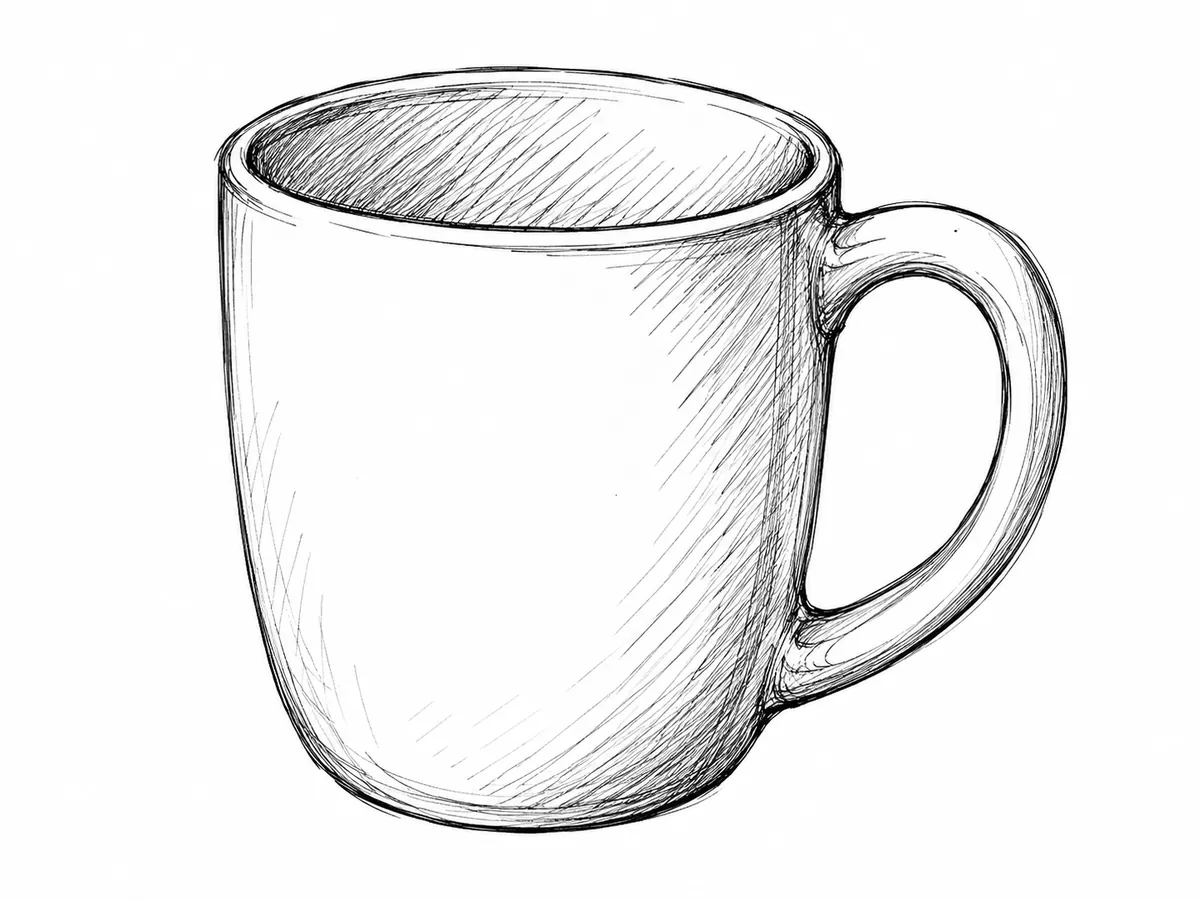
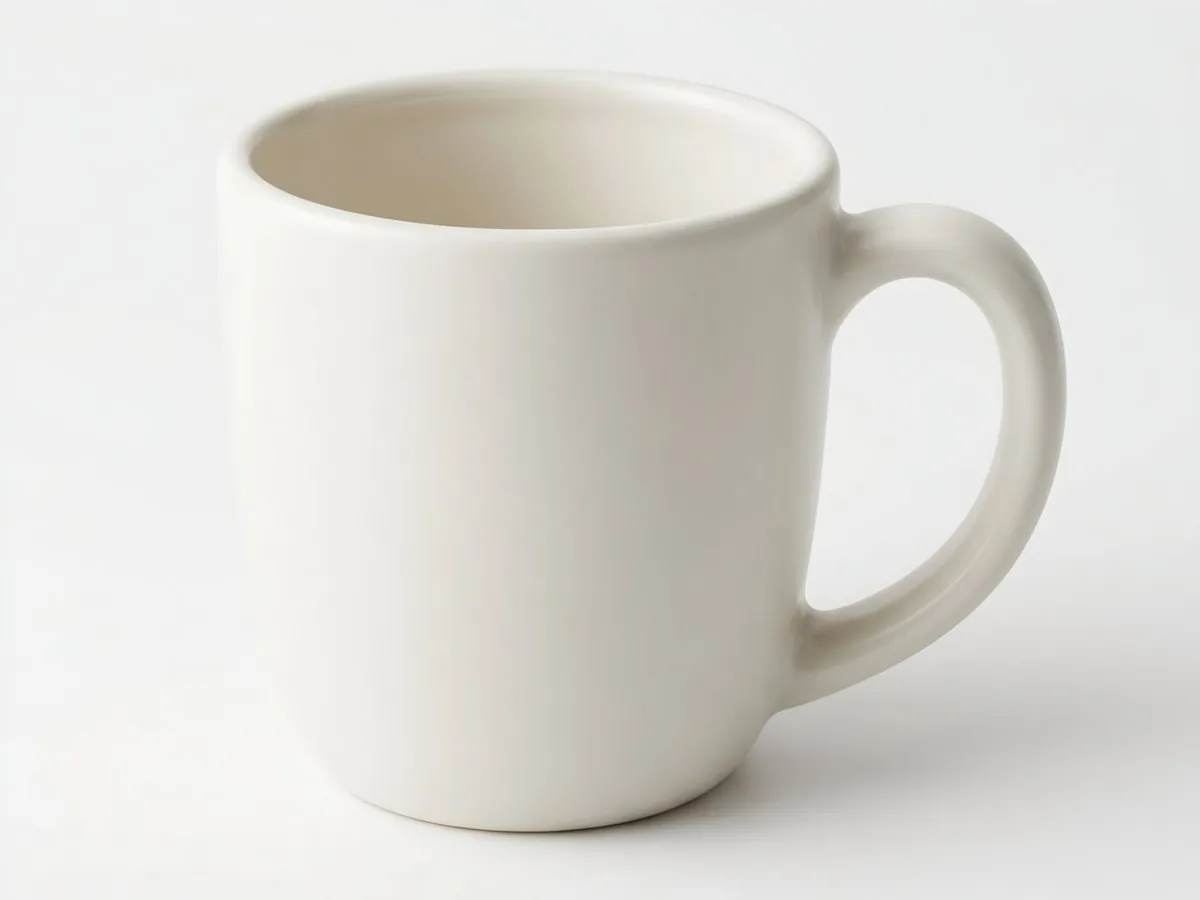
Prompt: A minimalist ceramic coffee mug on a white background, product render
Model: Nano Banana 2.1
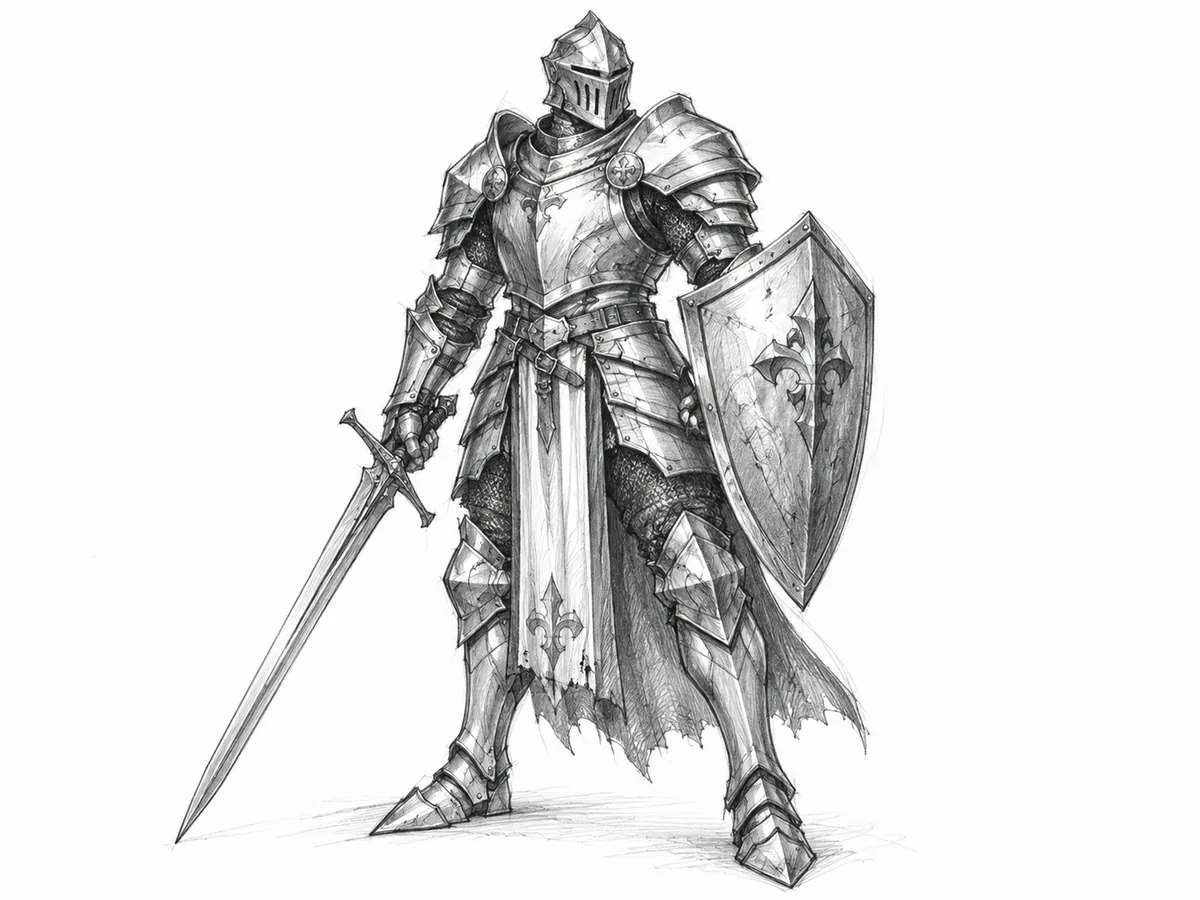
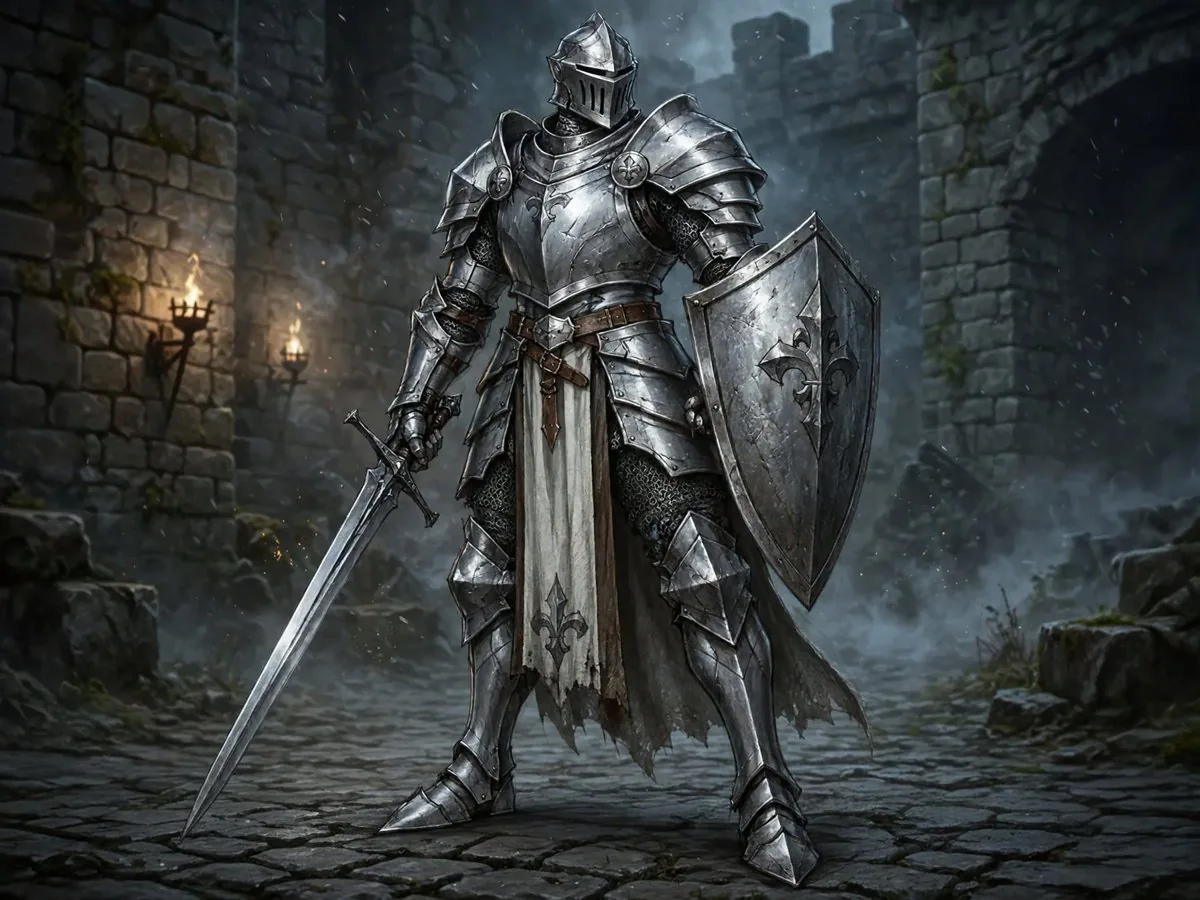
Prompt: A knight in silver armor, fantasy digital painting
Model: Muse
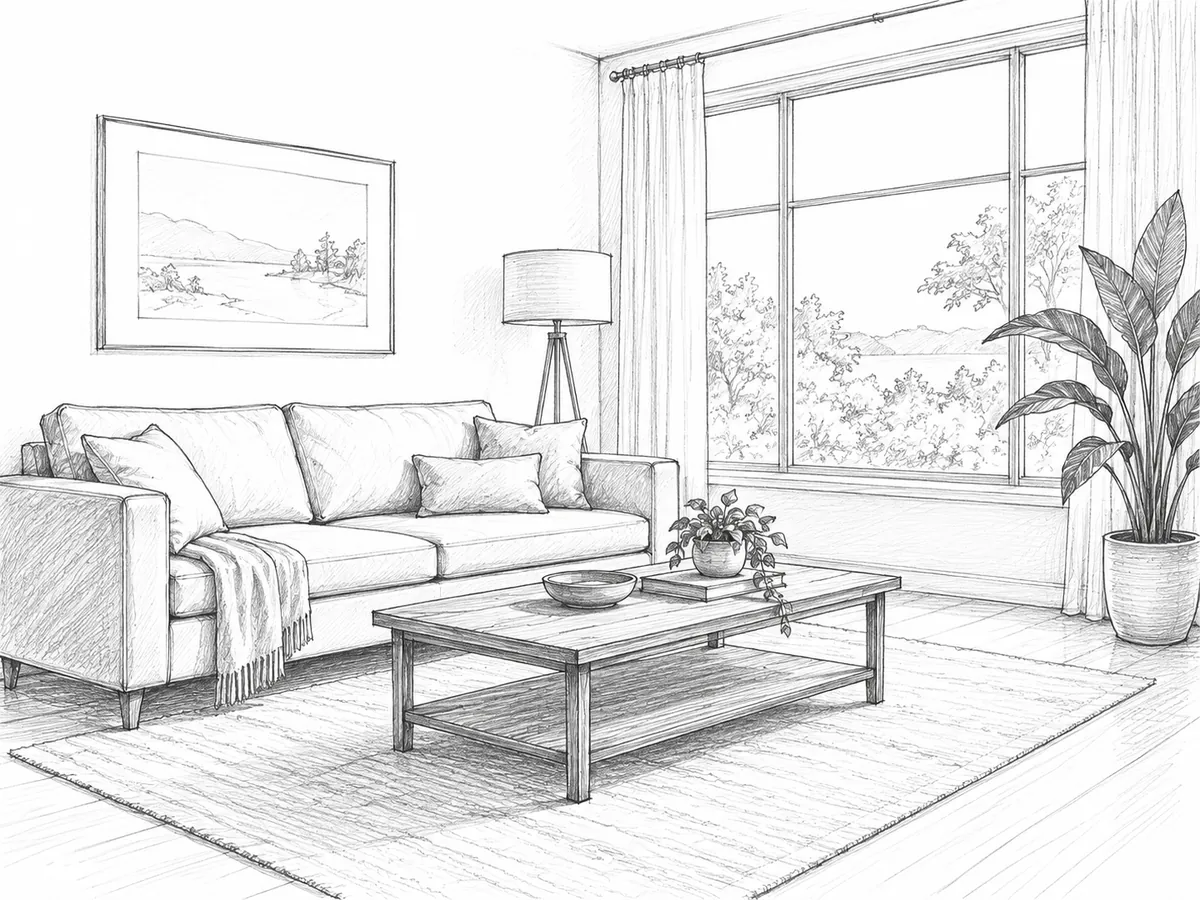
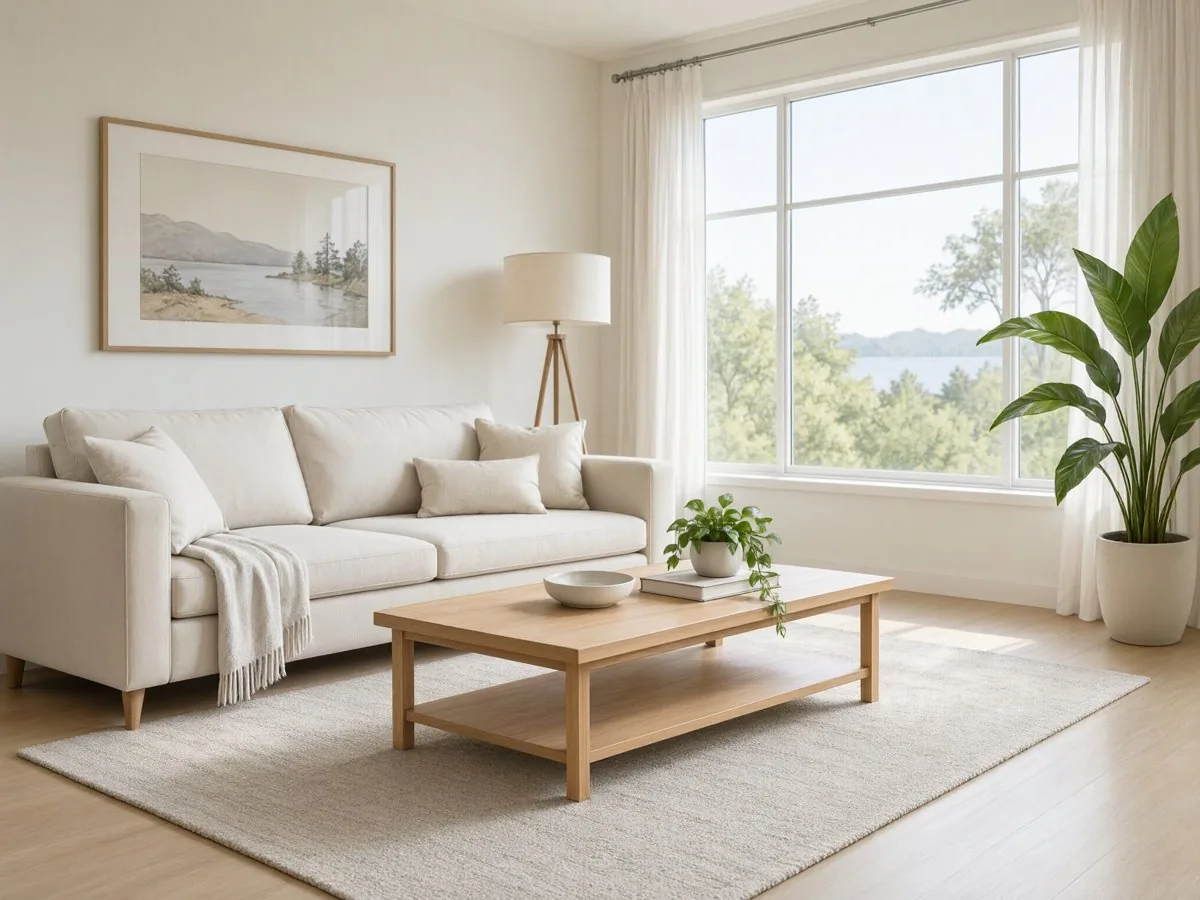
Prompt: A bright Scandinavian living room with plants, interior photo
Model: Qwen
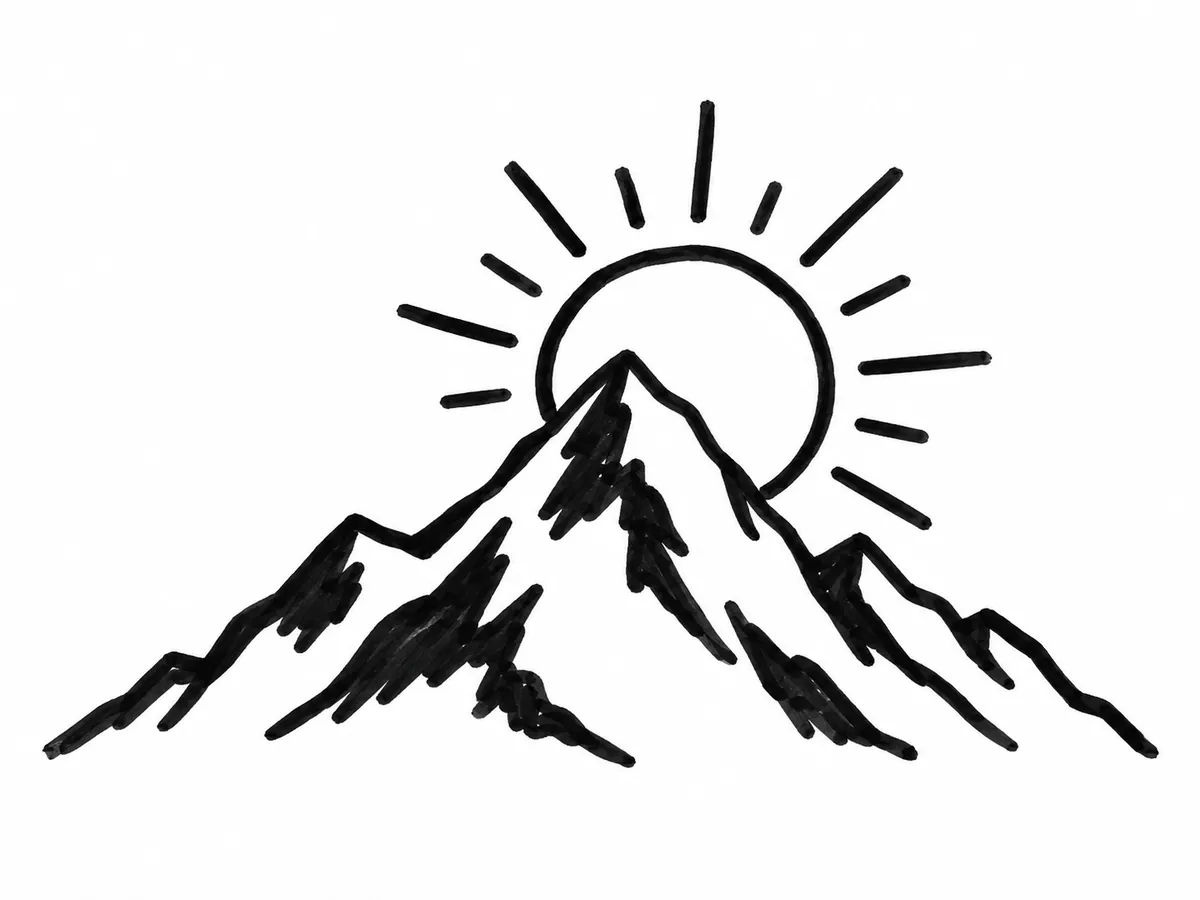
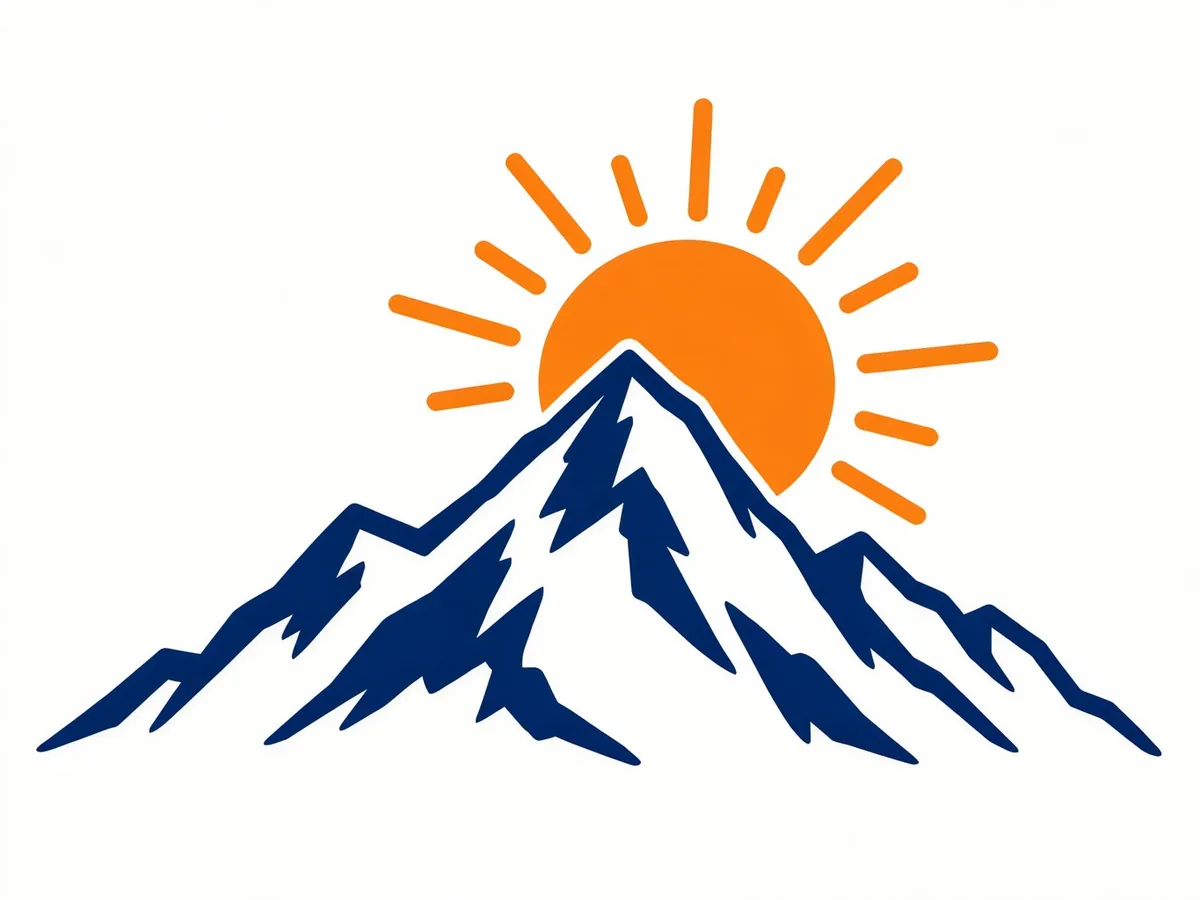
Prompt: A flat colorful logo of a mountain and a rising sun, orange and navy, vector style
Model: GPT-Image-2.5 Flare
Turn a rough sketch into a lifelike image.
Give your drawing a polished, professional look.
Turn your child's drawing into a colorful picture or a realistic scene.
Visualize product ideas, packaging and interiors from quick sketches.
Add color and detail to line art and pencil drawings.
Explore visual directions from a simple doodle.
Get the proportions roughly right. The AI follows your shapes, so the main outlines matter more than details.
Keep the prompt short and specific. Name the subject and the style: "a red sports car, realistic photo".
Describe what the sketch shows. As TechRadar put it: "The text tells the AI what you meant; the sketch tells it where things go." If a shape could be two things, the prompt decides – write "a dragon", not just "an animal".
Use clear lines. Dark lines on a light background work best; take photos of paper sketches in good light.
Try different models. Each model interprets sketches in its own way – compare a few.
Some models stay very close to your lines, others add more detail and creativity. Start with the free Flux model, then compare other models on the same sketch and prompt.
Without an account
Turn a drawing into an image, no sign-up
Free account
Sign up, no credit card
PRO
Subscription or pay-as-you-go credits
Everyone can download a free Preview (500 px on the long edge). The full-resolution file needs an account.
REST API
Developers can turn sketches into images automatically with the Deep-Image API.
{
  "url": "sketch_image_url",
  "background": {
    "generate": {
      "description": "A cozy wooden house by a lake, realistic photo",
      "adapter_type": "control2"
    }
  }
}It's a tool that turns a drawing into a finished picture. The AI keeps the shapes and composition of your sketch and fills in colors, textures and details based on your prompt.
Yes. Without an account you can create up to 3 images a day with the free Flux model, see the result with a watermark and download a preview (500 px on the long edge). A free account unlocks full-resolution downloads with a watermark; paid plans unlock all models and watermark-free images.
Yes. Take a photo of your sketch in good light and upload it – you don't need a scanner.
No. Simple shapes and rough outlines are enough – the prompt does the rest.
Yes. Upload the drawing and describe what it shows, for example "a realistic photo of a cat in a garden".
Yes. Write the style in your prompt – realistic photo, digital art, watercolor, 3D render or cartoon.
Make the main outlines clearer, describe the subject more precisely or try another model.
Yes, for drawings you own or have the rights to use, in line with our Terms & Conditions.
Files uploaded without an account are deleted, with all their files, after 24 hours. For registered accounts, files are kept according to your plan and our privacy policy.
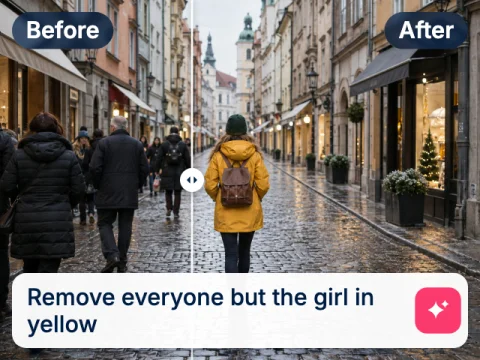
Change backgrounds, colours and styles of a photo by describing the edit.
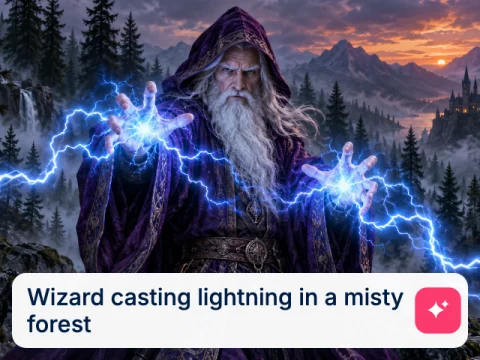
Create an image from a text prompt alone, no drawing needed.
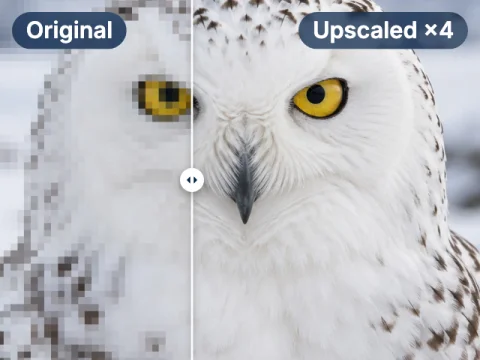
Enlarge images up to 16× and keep the details sharp.
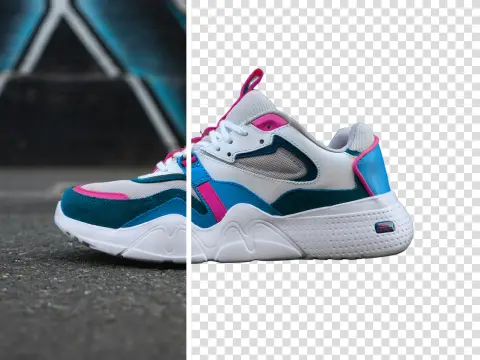
Cut out the subject of any image and get a transparent PNG.
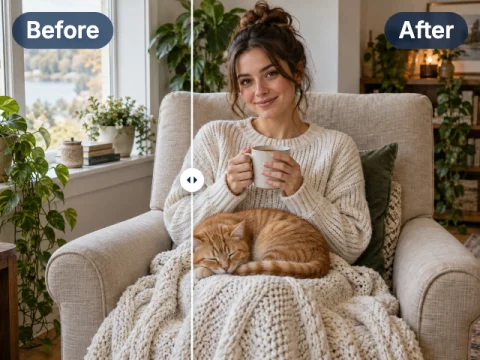
Paint over part of an image and replace it with what you describe.
Turn your first drawing into an image free
3 free images a day, no sign-up. More models and full resolution with a free account, or go PRO from $7.50 with no watermark.