


Fix tight crops
Bring back a cut-off head, feet or a building top.

Extend your photo beyond its original edges. AI fills the new space in the same style, so you can fix tight crops, change the aspect ratio or make room for text in seconds.
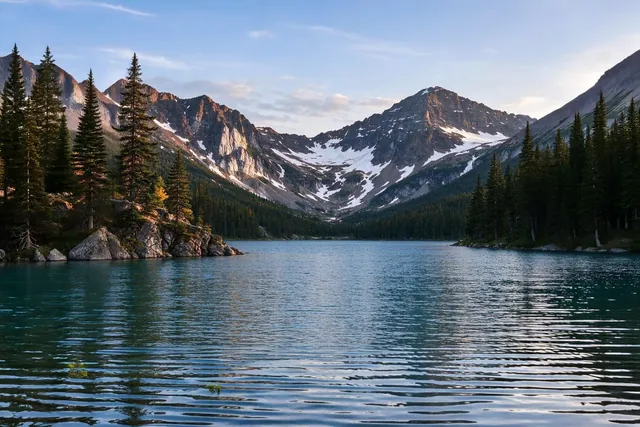 Before · AfterOriginal photo
Uncropping – also called outpainting or image expanding – adds new content around the edges of your photo. Choose how much bigger the image should be, and the AI generates the missing parts so they match the original: the same light, colors, textures and perspective. It's like zooming out on a photo that was taken too close.
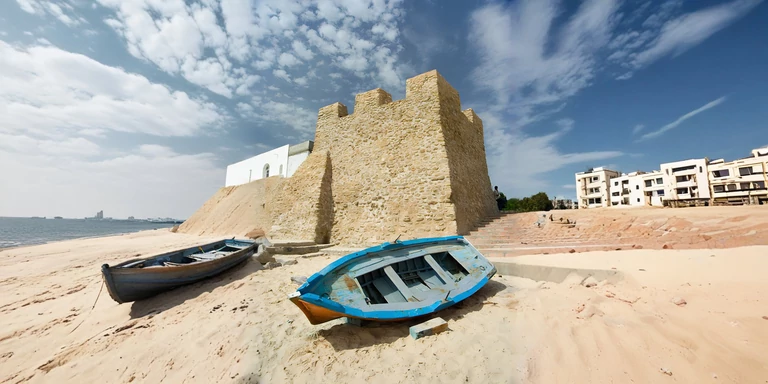
Any image you want to extend.
Drag the edges to add space above, below or to the sides, or pick a ready-made format. You can also move, resize and rotate the original photo on the canvas.
Describe what should appear in the new area, or leave it empty to simply continue the scene.
Click Uncrop. Not happy? Reroll for a new version or go back to edit the settings. Then download your image.
Bring back a cut-off head, feet or a building top.
And the other way around, without cropping anything out.
Add space for headlines, banners and ads.
Show more of the scene around your subject.
Add the extra margin printers need around flyers, posters and cards.
What is print bleed? →Put your subject in a bigger, completely new scene with a prompt.
Every platform needs a different shape: square posts, vertical stories, wide banners and thumbnails. Pick a ready-made format and let the AI extend your photo to fit it, instead of cropping out important parts.
Any other size: type the width and height in pixels.
Leave the prompt empty and the AI will continue the scene naturally. Add a prompt to decide what appears in the new space – for example "a sandy beach with palm trees" or "a modern office in the background".
a sandy beach with palm trees
a modern office in the background
Extend in reasonable steps. Big extensions work better in two or three rounds than in one.
Keep additions simple. Skies, landscapes, walls and backgrounds look more natural than complex objects or extra hands.
Use Reroll. Each generation is different – try a few versions and keep the best one.
Finish with Enhance or Upscale. Improve quality or enlarge the result for print. Auto Enhance · Image Upscaler
Add new content outside the original edges of the image.
You are hereChange a selected area inside the image.
Open AI Inpainting →Change the whole image with a text prompt.
Open AI Image Editor →REST API
Developers can uncrop images automatically with the Deep-Image API, and connect it to Make or Zapier.
{
  "url": "https://example.com/photo.jpg",
  "width": 2000,
  "height": 1000,
  "fit": {
    "canvas": "outpainting"
  },
  "background": {
    "generate": {
      "adapter_type": "upscale",
      "description": "a sandy beach with palm trees"
    }
  }
}Without an account
See what uncrop does
Free account
Sign up, no credit card
PRO
Subscription or pay-as-you-go credits
Uncropping needs an account: a free account includes 10 credits and its results have a watermark. Paid plans give you more credits and watermark-free images.
Uncropping means extending a photo beyond its original edges. AI generates the missing parts so the bigger image looks natural.
Yes. Uncrop, outpainting and AI image expanding all describe adding new content around the edges of an image.
You can try it for free: a free account includes 10 credits, and results have a watermark. Paid plans give you more credits and watermark-free images – see plans.
Yes. Uncropping is available after you sign up or log in. Registration takes a few seconds with Google or email.
Yes. Extend the canvas to the sides or pick a wide format, and the AI fills the new space.
Yes. Write a prompt describing what should appear in the new area, or leave it empty to continue the scene naturally.
Click Reroll to generate a new version, or go back to edit the canvas and prompt.
Photos with simple surroundings, like skies, landscapes or plain backgrounds, are the easiest to extend.
Yes. See the Uncrop API documentation.
Yes, for images you own or have the rights to use, in line with our Terms & Conditions.
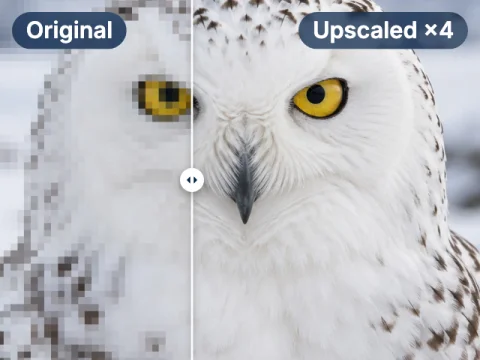
Enlarge your uncropped image up to 16× for print.
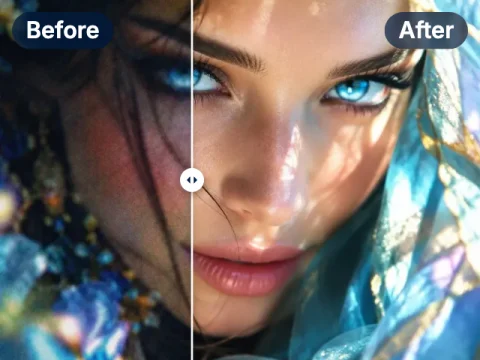
Fix light, colors and sharpness of a photo in one click.
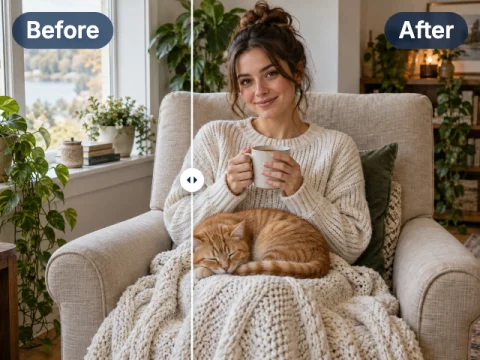
Paint over part of an image and replace it with what you describe.
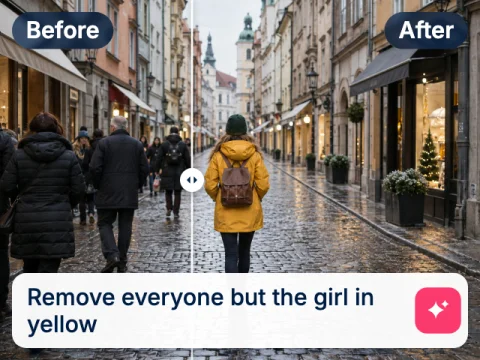
Change backgrounds, colors and styles by describing the edit.
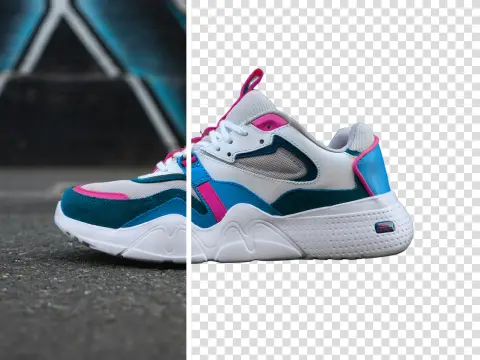
Cut out the subject of any image and get a transparent PNG.
Uncrop your first photo free
Sign up free and get 10 credits, or go PRO from $7.50 for more credits and no watermark.